Skip to content

Your home, easier to keep track of

Find your starting point

Start with your situation

How can ResiArk help you?

Every home has a story. Choose what sounds most like you, and explore a few useful places to start. No account or personal information needed.

Showing ideas for: Show me the possibilities

Show me the possibilities

ResiArk gives your home information a place to stay useful. Start with a room, an appliance or a maintenance job and follow the details that belong to it.

  • See your home in context.
  • Keep equipment and paperwork connected.
  • Stay on top of everyday care.

Three useful places to start

  1. 01
    Start with a view of the home

    Explore a property and its rooms to see where belongings and equipment fit.

    Every plan

    Create a visual layout of your property and rooms, and place belongings and equipment in context.

    A practical example

    Explore the house, workshop and garden in the fictional Bell Household.

    Read about find things where they belong
    Explore a home map
  2. 02
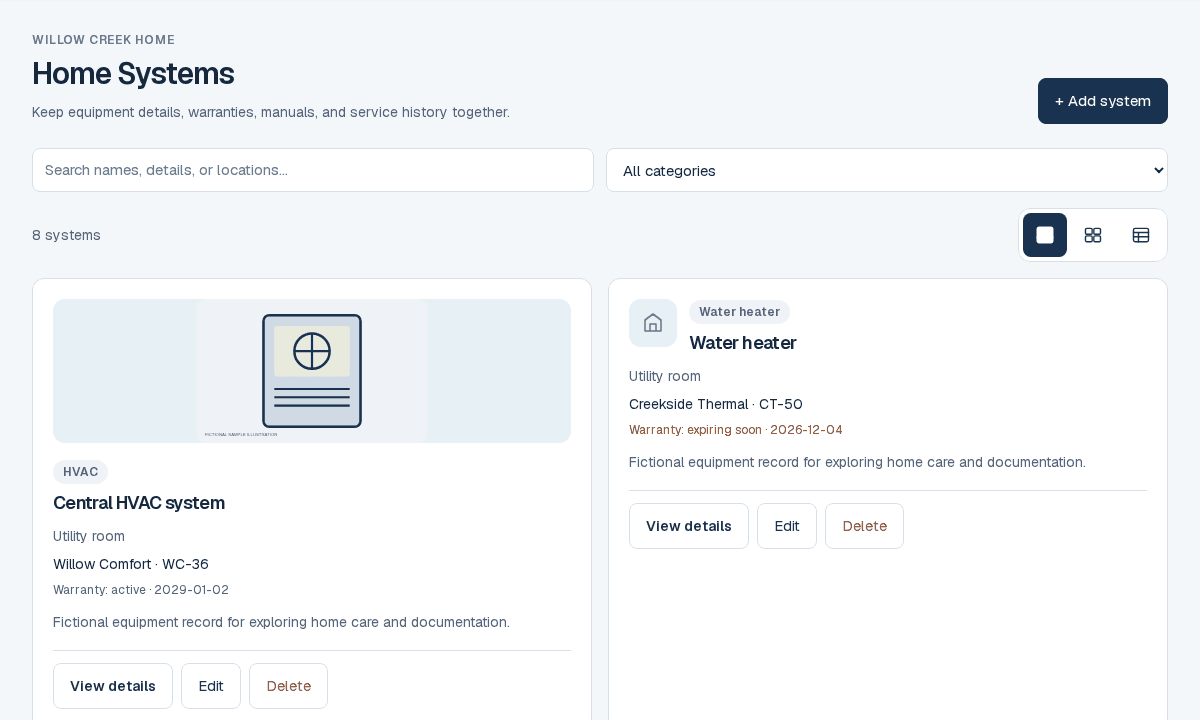
    Follow an equipment record

    See specifications, documents and care history together instead of scattered across separate folders.

    Every plan · record limits apply

    Connect your heating, cooling and other home systems to their manuals and service records.

    A practical example

    Open a heat pump and find its care tasks and related documents together.

    ResiArk systems screen with fictional demo recordsRead about give your equipment a history
    See a home system
  3. 03
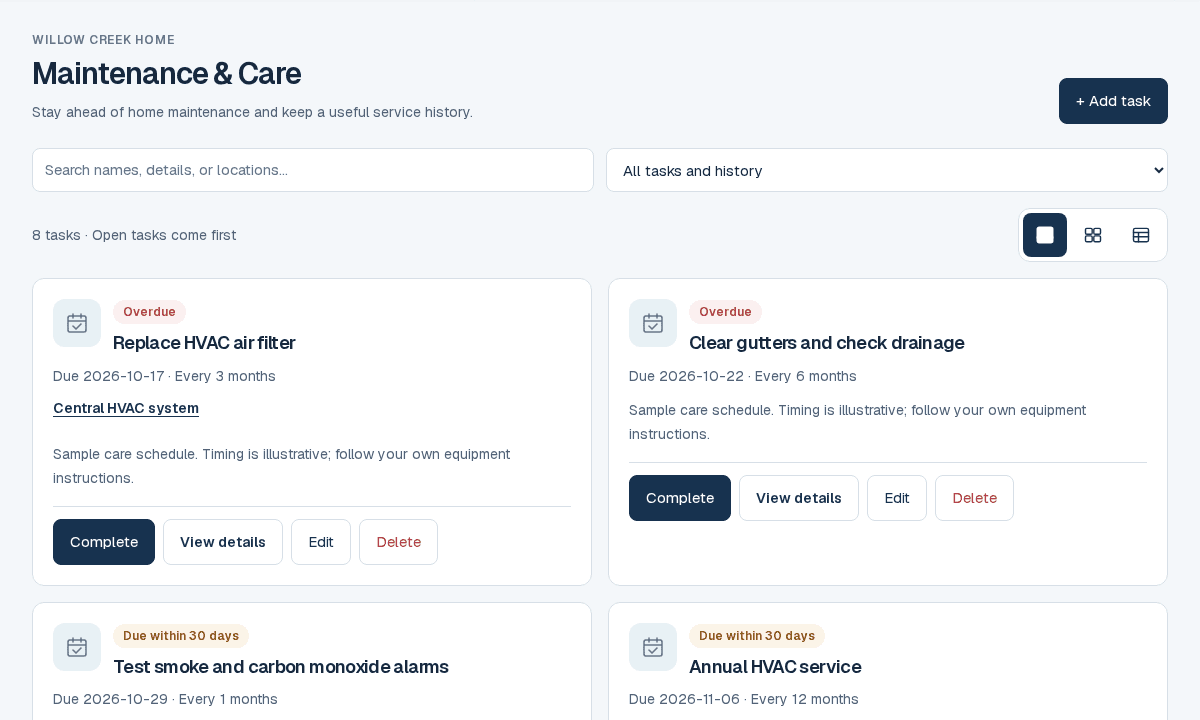
    See what happens next

    Review scheduled tasks and try completing a sample recurring job.

    Every plan

    Schedule home care, repeat regular jobs and keep a history of completed work.

    A practical example

    Record a filter change, then see the next occurrence on your maintenance list.

    ResiArk maintenance screen with fictional demo recordsRead about know what needs attention next
    See a maintenance plan
More ways to help with your home (10)

Find the paperwork when you need it

Every plan · storage limits apply

Keep manuals, warranties, inspection reports and receipts alongside the home records they explain.

A practical example

Look up an installation receipt without searching through folders and emails.
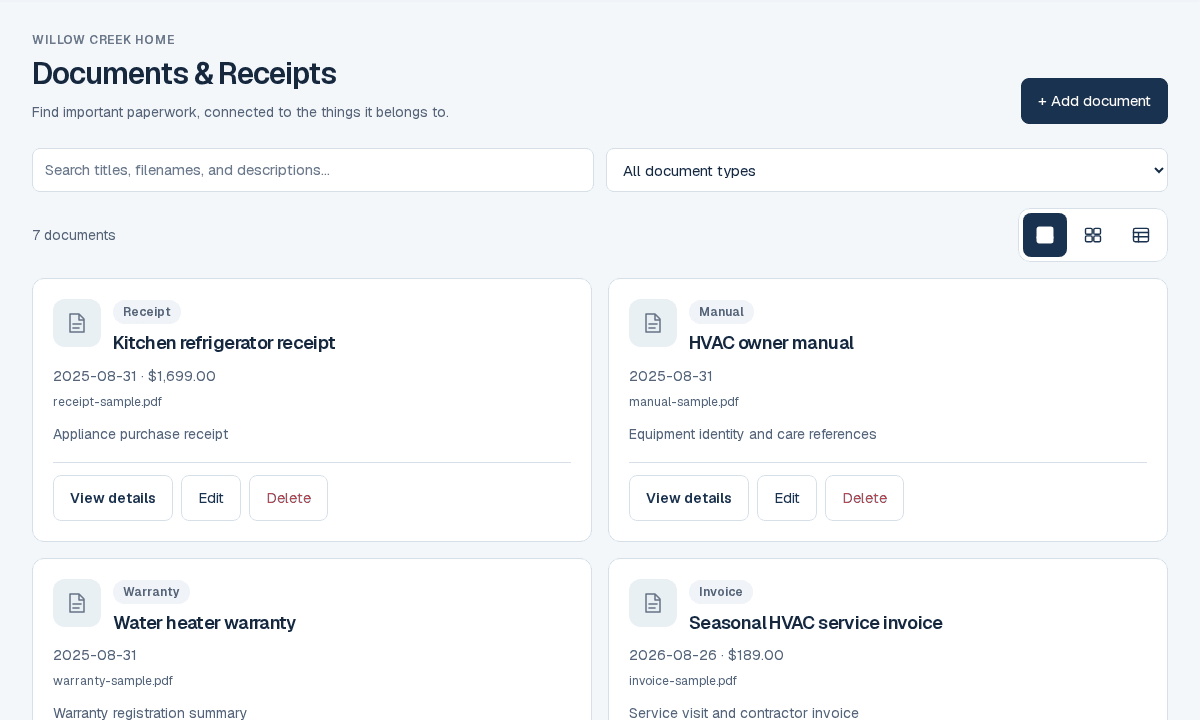
ResiArk documents screen with fictional demo recordsRead about find the paperwork when you need it
Explore home documents

Fictional example · attachments and advanced actions are simulated
Keep an improvement on track

Every plan · permissions apply

Organize project tasks, budgets and supporting records in one place.

A practical example

Follow a bathroom refresh from its budget to the remaining tasks.

Read about keep an improvement on track
Explore a sample project

Fictional example · attachments and advanced actions are simulated

Turn findings into next steps

Every plan · processing limits apply

Review inspection findings and care suggestions before deciding what work to schedule.

A practical example

Turn a reviewed inspection finding into a maintenance task.

ResiArk maintenance screen with fictional demo recordsRead about turn findings into next steps
Try a care example

Fictional example · attachments and advanced actions are simulated

Plan ahead for home expenses

Every plan

Keep expected work and budgets visible as you decide what to tackle next.

A practical example

Compare planned maintenance with recorded spending in a sample annual plan.

Read about plan ahead for home expenses
Explore a home budget

Fictional example · attachments and advanced actions are simulated

Care for your home together

Every plan

Give household members or viewers access suited to their role, so the right people can find the details.

A practical example

Explore owner, member and viewer roles in a fictional household.

Read about care for your home together
Explore household roles

Fictional example · attachments and advanced actions are simulated

Keep building decisions together

Ark+ · invited builder access

Organize plans, milestones, selections and change requests with your invited builder.

A practical example

See how a selection request moves from builder submission to a recorded homeowner decision.

Read about keep building decisions together
Explore a homebuilding project

Interactive sample project · roles and decisions are simulated

Explore fictional homes in the demo. Changes stay in your browser. You can return here at any time. The construction demo lets you try both roles in a sample project; it does not grant access to a real project.